Follow one car through the shop.
From the booking to the pickup, every lift, stage and comment sits on one live board.
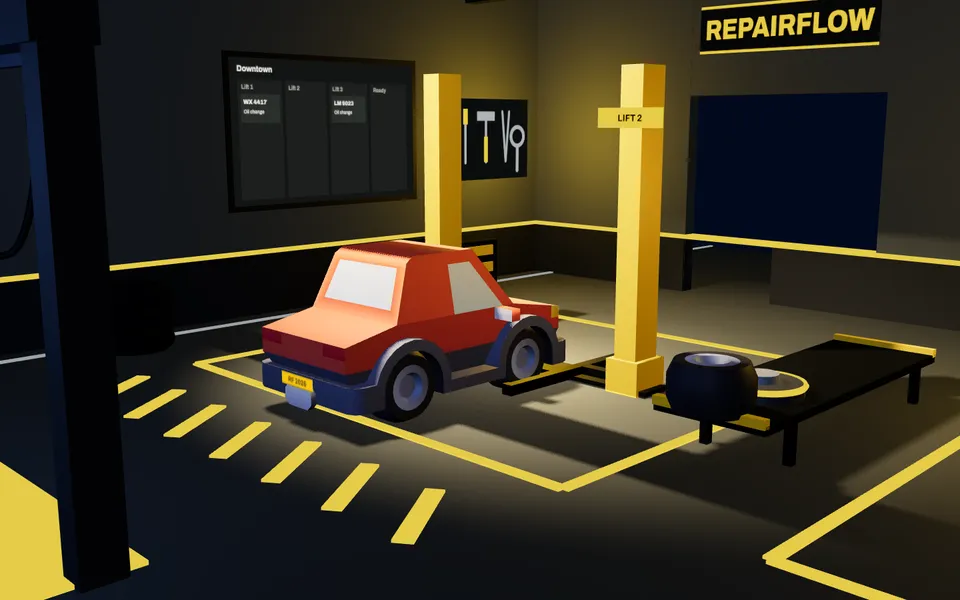
Booked before it arrives.
Pick a day on the calendar and add the record. The client card is created with it, so the plate, the model and the owner are in one place from the first call.
MonTueWedThuFriRF 2026 10:00RF 2026 · 10:00New recordToyota Camry
Lucas Garcia · new client card
DiagnosticsBrakesTyres
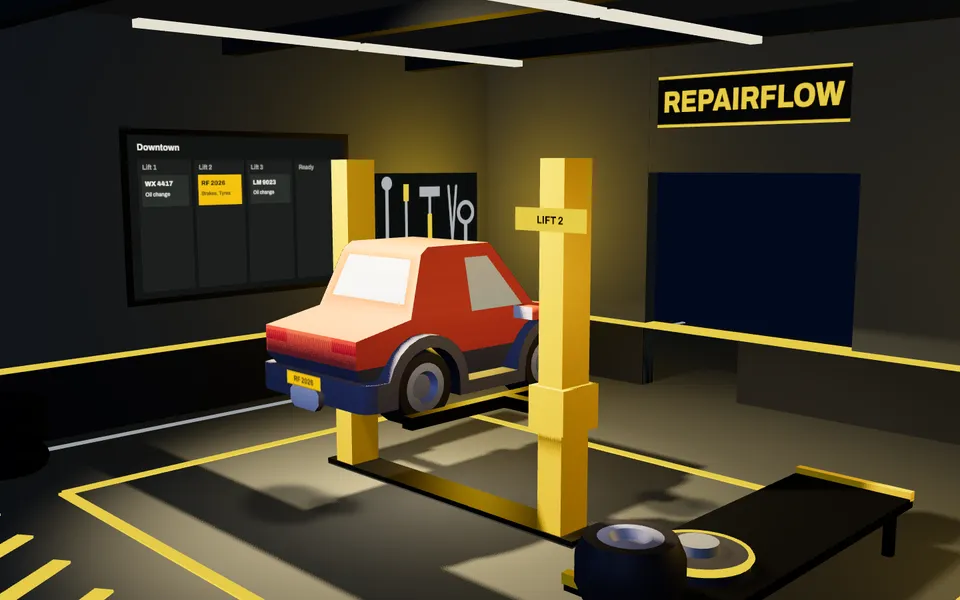
Onto Lift 2.
The board has a column for every lift. The card lands in Lift 2 and the whole team sees where the car is.
Lift 1
Volkswagen GolfOil change
Lift 2
RF 2026Toyota CamryBrakes, Tyres
Lift 3
Skoda OctaviaAir conditioning
Alignment
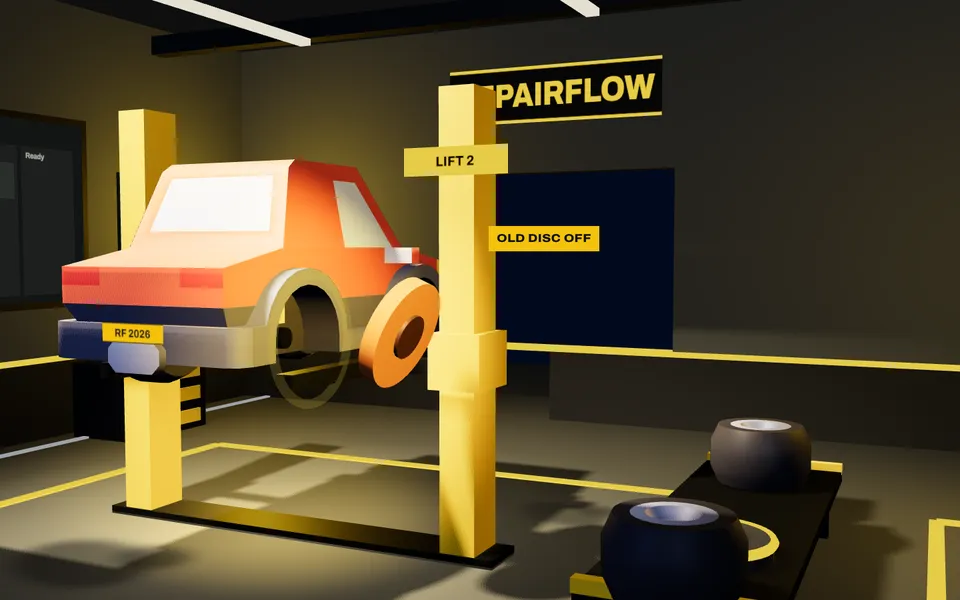
Old out. New in.
While the car is up, the card holds the stage, the work types and the comments. Mention a colleague and they get a notification that opens the comment.
RF 2026 · Lift 2In repairToyota Camry
BrakesTyres
- Anna @Max the front disc is worn through. The new set is on the trolley.
- Max On it. Old disc off, new one on.
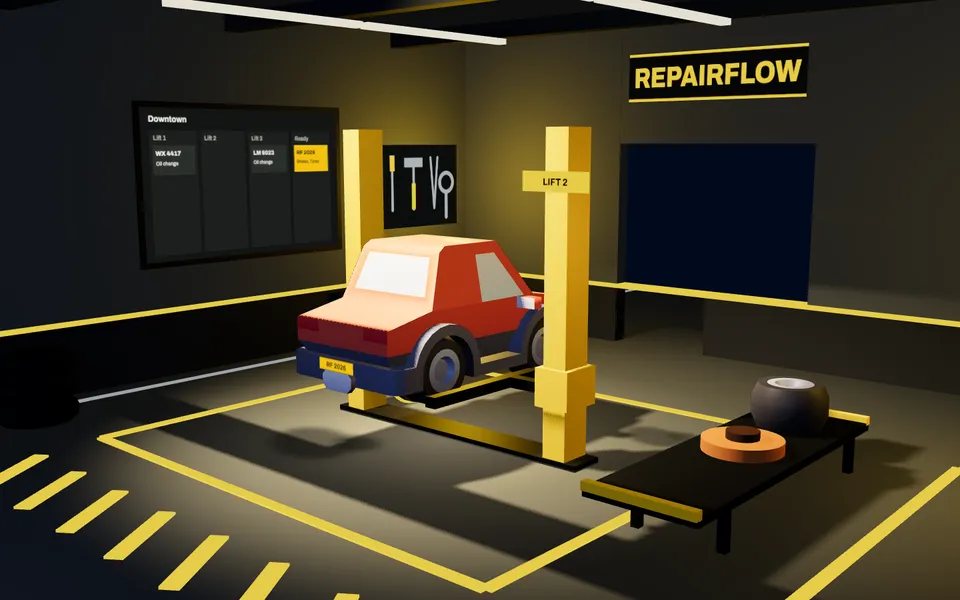
Down. Ready for pickup.
Move the card to Ready for pickup. Your colleagues' screens update without a refresh.
In repair
Ready for pickupRF 2026Toyota Camry
AAnna moved RF 2026 to Ready for pickup
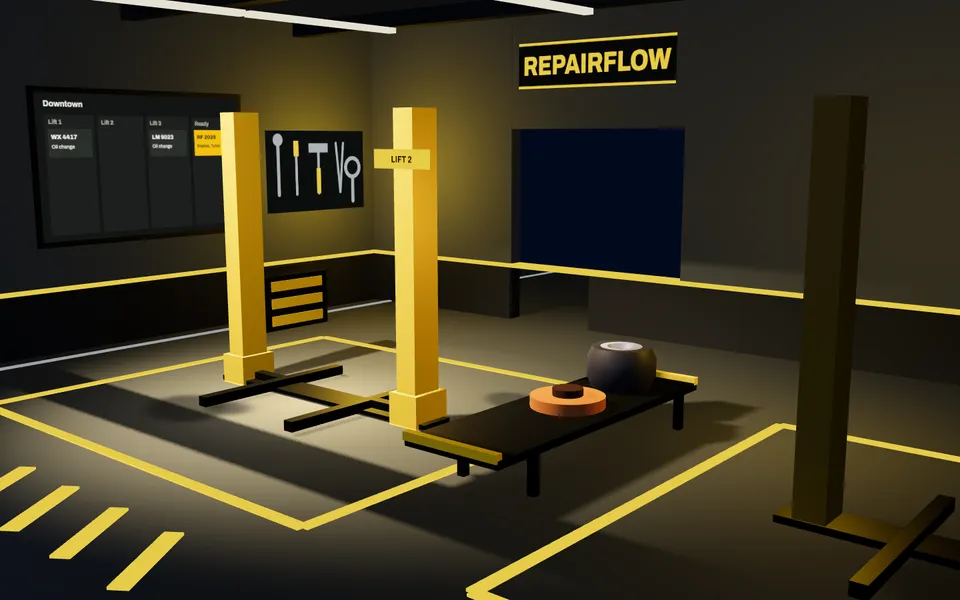
Done is archived, never lost.
Archive the finished record and restore it any time. The client card keeps the whole visit history.
RF 2026 Toyota CamryArchivedRestore
Client3 visitsLucas Garcia
- TodayBrakes, Tyres
- Mar 2026Oil change
- Oct 2025Tyres
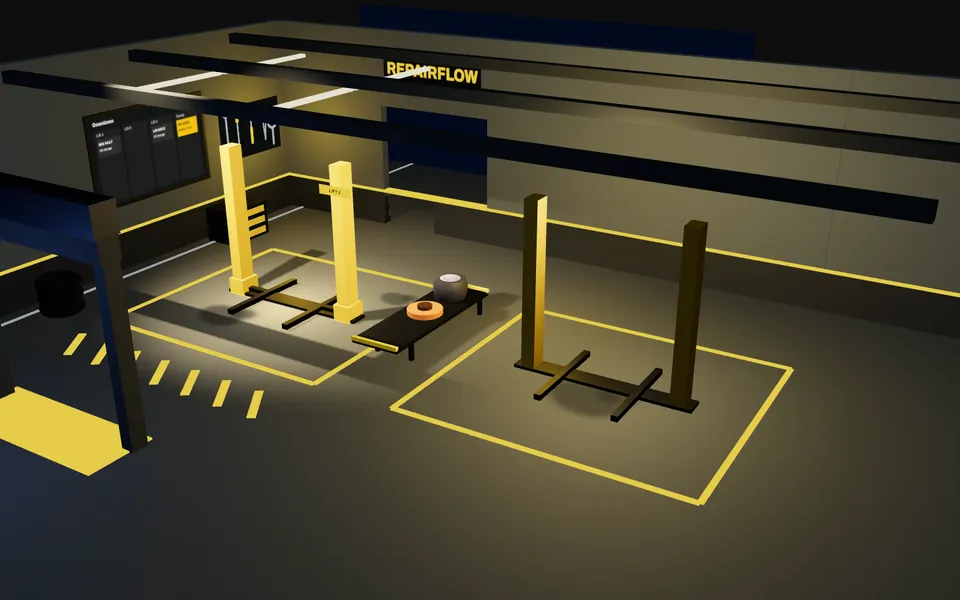
One shop, every branch.
A company can have several branches. Each has its own lifts, stages and work types, while clients and their history are shared.
- Downtown Lift 1, Lift 2, Lift 3, Alignment bay
- Second branch Its own lifts, stages and work types
- Clients One card, every branch's visits
Two people, one card.
When a colleague changes a record while you edit it, you are told before you overwrite it. Their changes appear on your screen without a refresh.
Try it in the demoToyota Camry
Lucas Garcia
DiagnosticsTyresTesla Model 3
Grace Scott
Ready for pickupBodyworkReview their changes before you save yours.
Everything the shop needs.
Workflow board
Every car on a live board by lift or by stage. Drag a card to move it. Your colleagues' changes appear without a refresh, and edit conflicts are flagged.
Learn moreRepair records
A table of all records with search and filters by stage, work type and dates. Archive a finished job and restore it later.
Learn moreClients and vehicles
A client card with contacts, vehicles and the full record history across every branch.
Learn moreCalendar
See the week or the month, filter by lift, stage or work type, and add a record on any day.
Learn moreMultiple branches
One company, many locations. Each branch has its own lifts, stages and work types.
Learn moreTeam, roles and invites
Invite people by link. Owner, Admin and Staff each get exactly the access their role allows.
Learn moreService catalog
Set up lifts, stages and work types with colours, and reorder them by dragging.
Learn moreComments and mentions
Comment on a record and mention a teammate. They get a notification that opens the comment.
Learn moreGoogle Drive and Sheets
Keep record photos in your shop's own Google Drive and a one-way copy of your records in Google Sheets.
Learn more
Try a sample shop.
The demo is a sample company, Northside Auto, with two branches, a few dozen clients and about ninety records. Sign in as Owner, Admin or Staff. Nothing is saved, and a reload starts over.
Open the live demo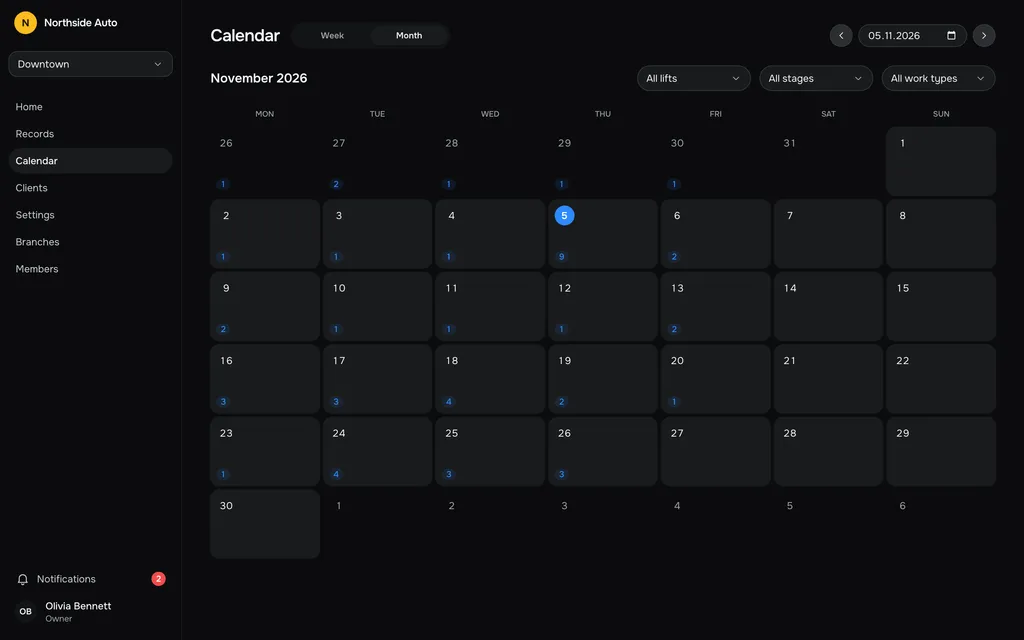
Get early access.
Leave your email and we will write when RepairFlow opens to new shops.
Questions, answered.
What is it?
A web app for car repair shops. It keeps the work board, repair records, clients, calendar and team in one place, shared live by everyone in the shop.
Can I try it without signing up?
Yes. The live demo opens a sample shop called Northside Auto. Sign in as Owner, Admin or Staff to see what each role can do. Everything works, and a reload resets it to the sample data.
Does it work for shops with several locations?
Yes. A company can have several branches. Each branch has its own lifts, stages and work types, while clients and their history are shared across the company.
Who can see and change what?
People join only by invitation. The Owner, Admin and Staff roles decide which pages and actions each person gets, so staff see what they need and nothing more.
Does my team see changes live?
Yes. When a colleague adds or moves a record, your page updates without a refresh. If two people edit the same record, a banner warns about the conflict.
Which languages does it speak?
The app interface is available in English and Ukrainian.
How much does it cost?
Pricing is not announced yet. Join the early access list and you will hear about it first.